

Therapy Patterns 2026
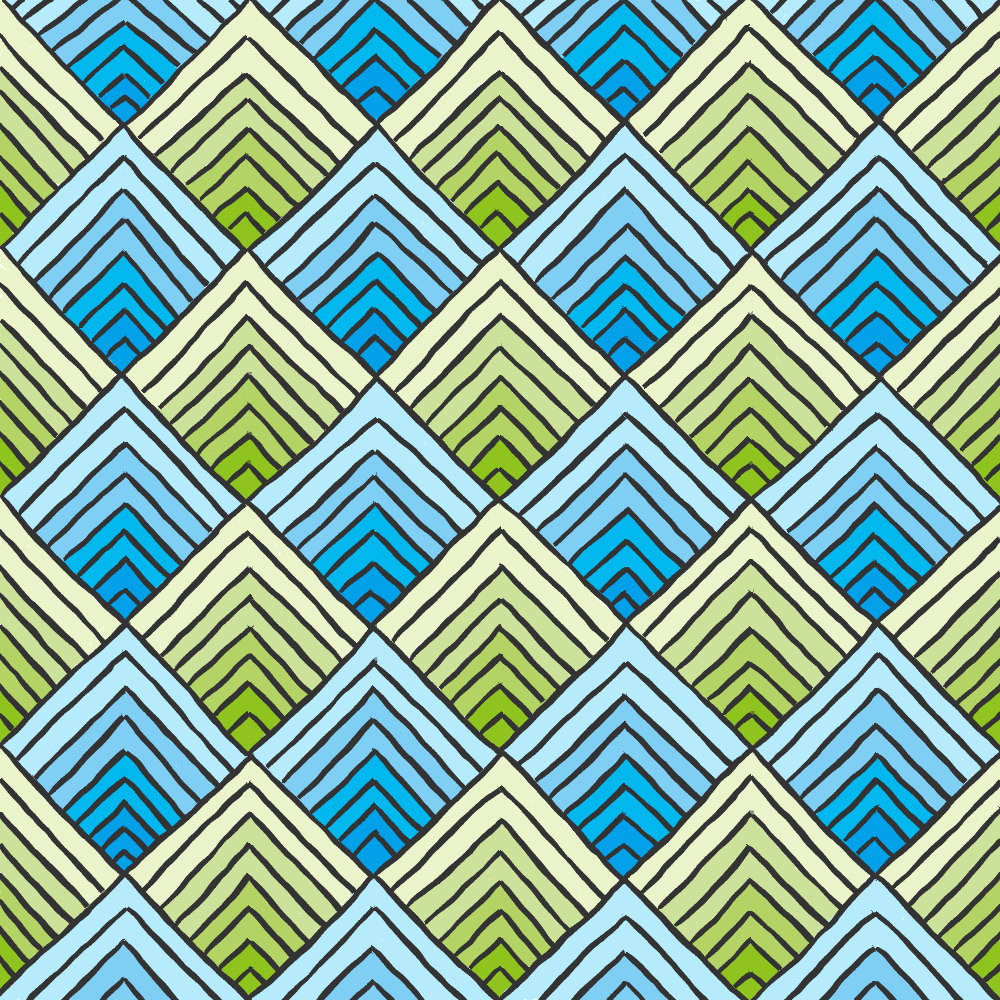
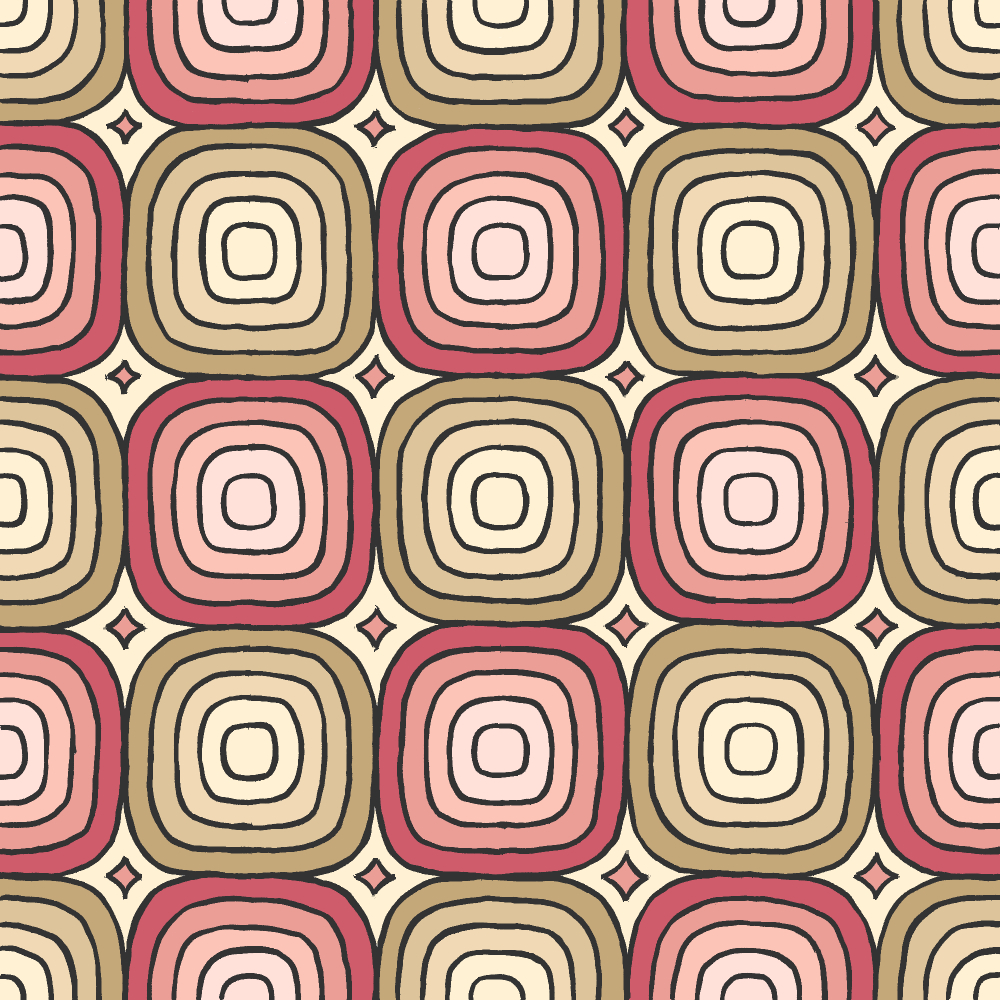
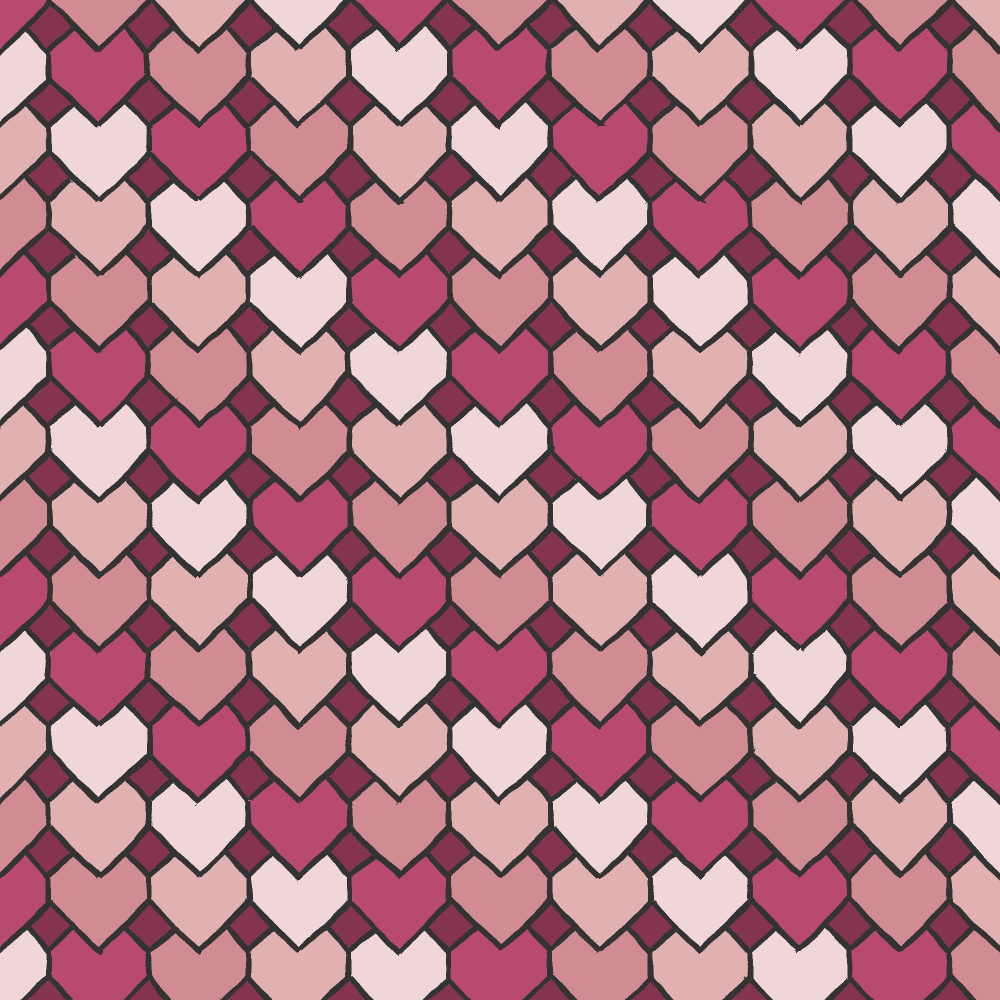
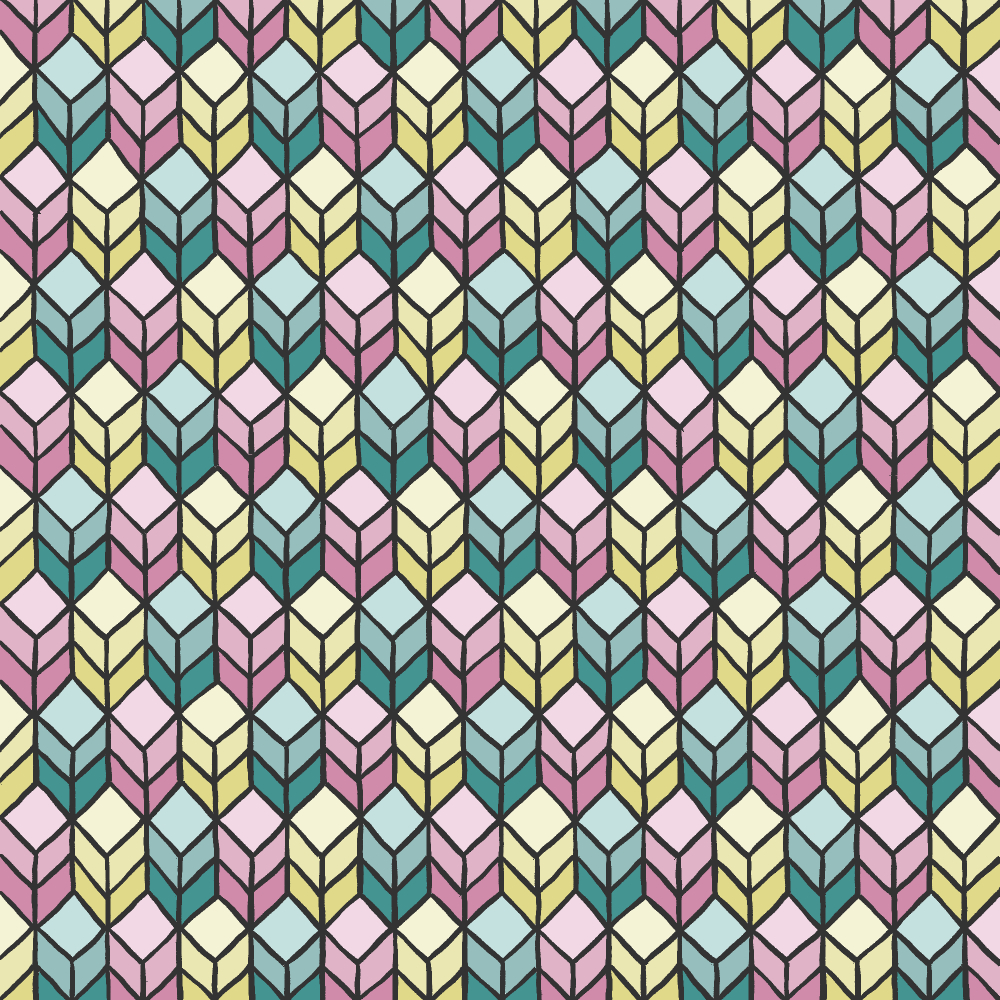
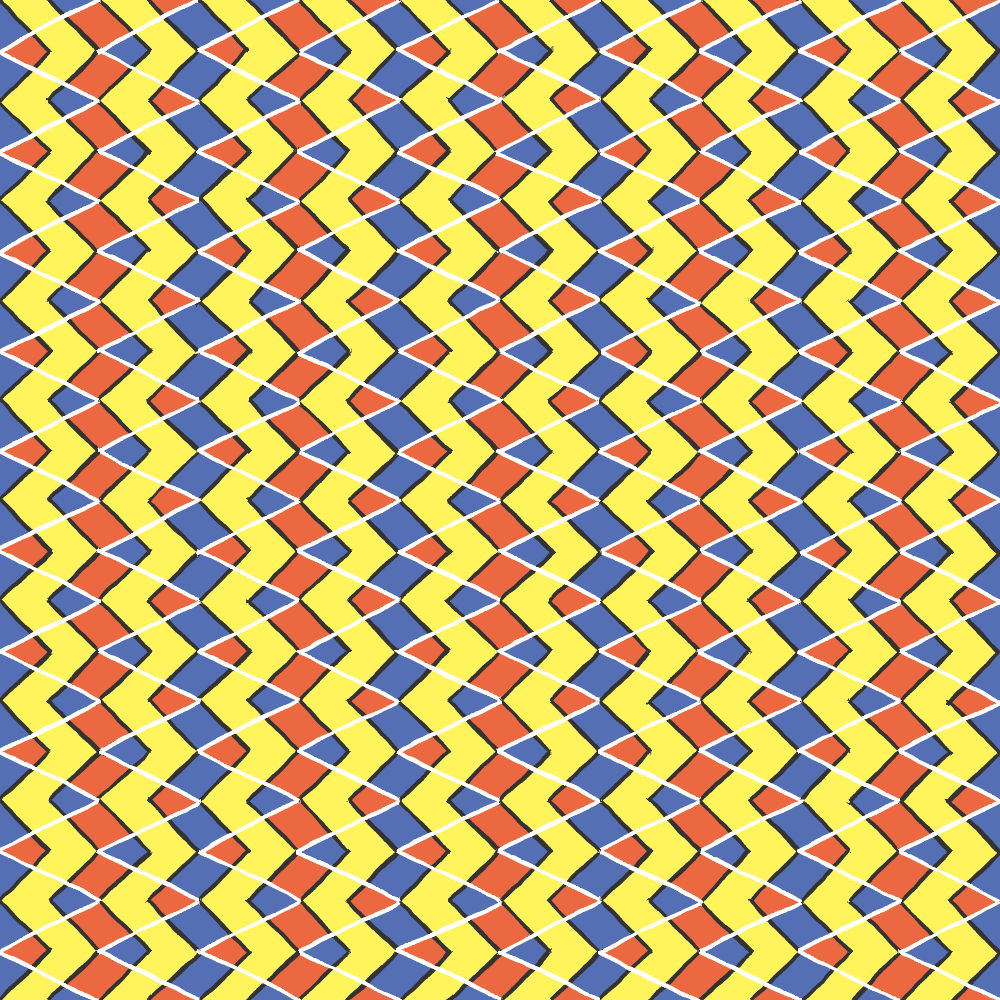
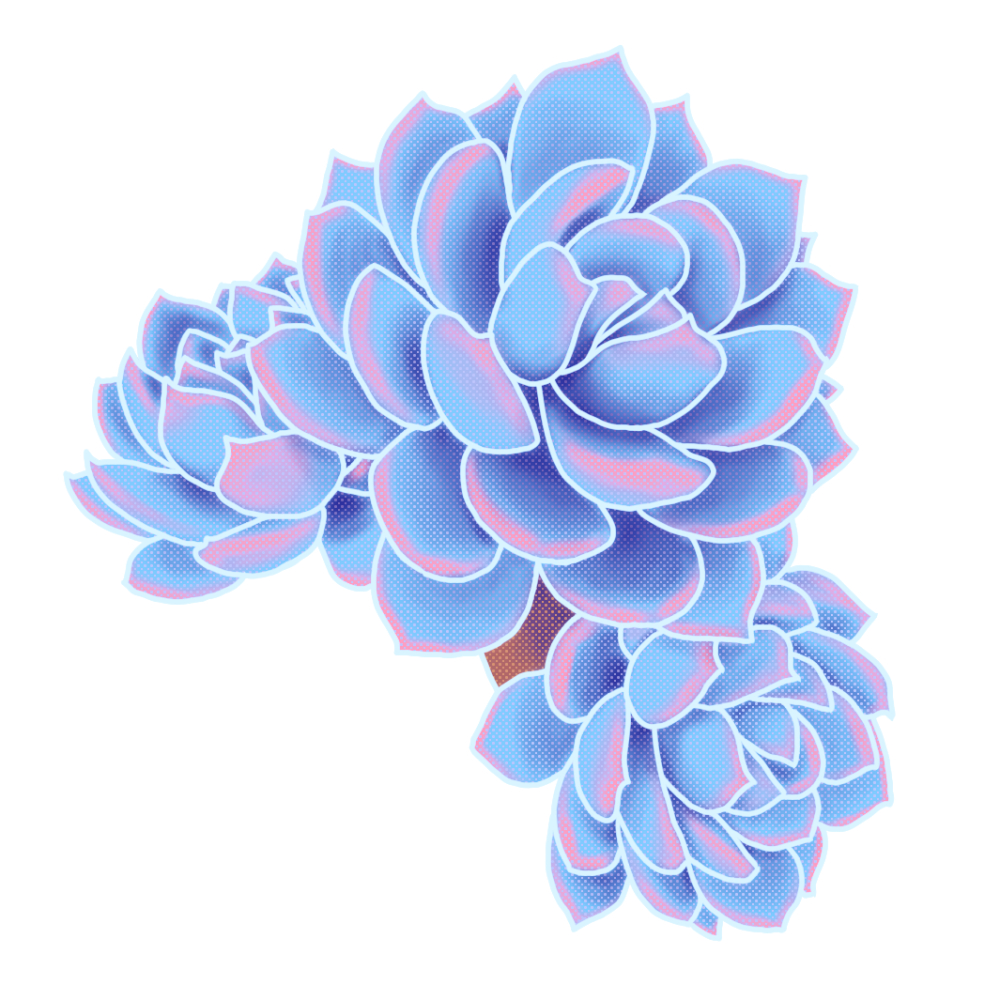
Freehand drawing patterns because I’m going through some mental issues and this is my therapy for my self-healing. Will update this post as I draw more of these therapy patterns.
Tools: Clip Studio Paint, Huion Pen Display


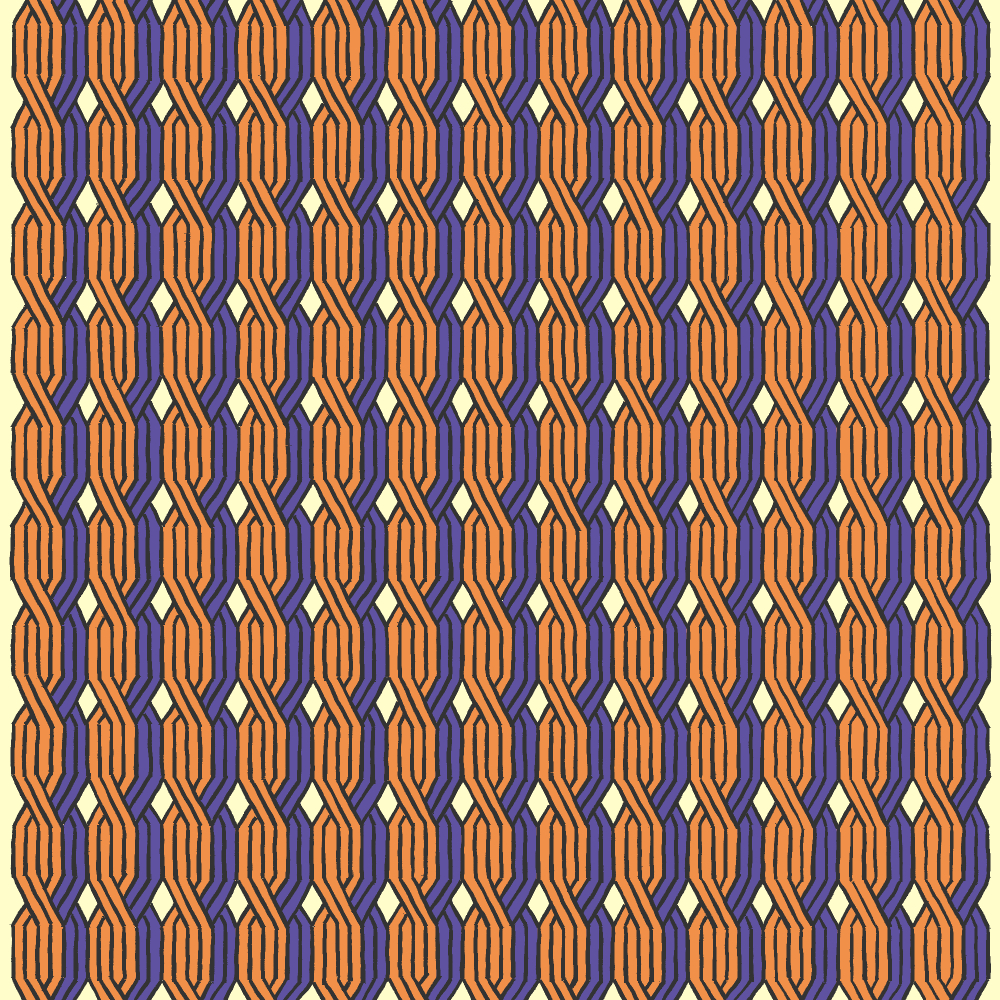
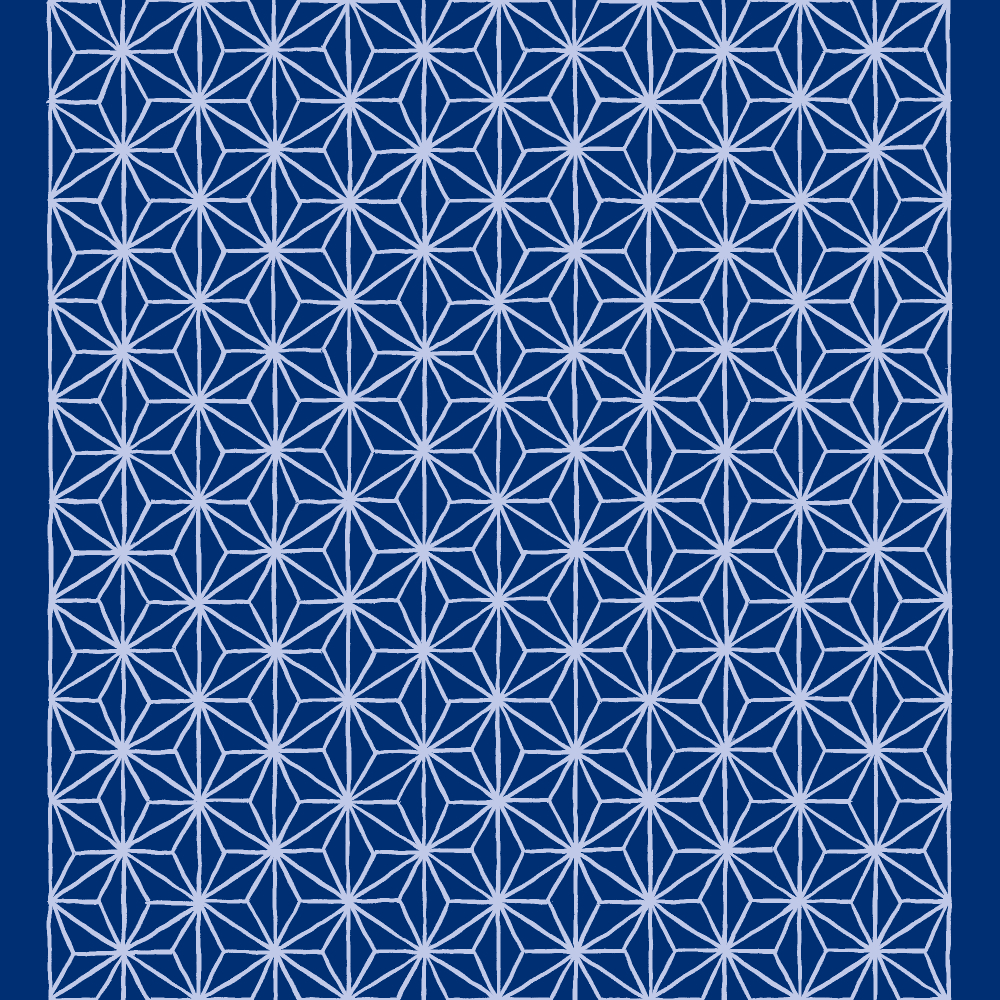
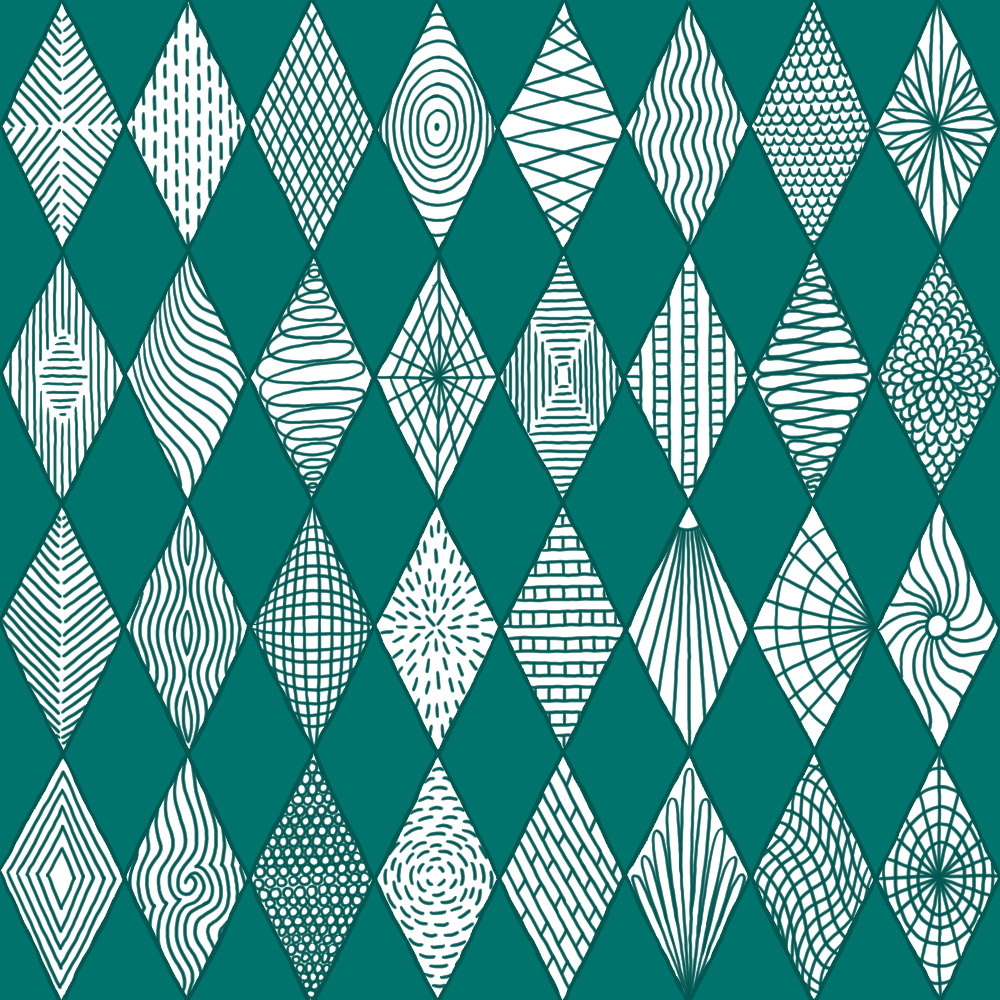
Freehand drawing patterns because I’m going through some mental issues and this is my therapy for my self-healing. Will update this post as I draw more of these therapy patterns.
Tools: Clip Studio Paint, Huion Pen Display
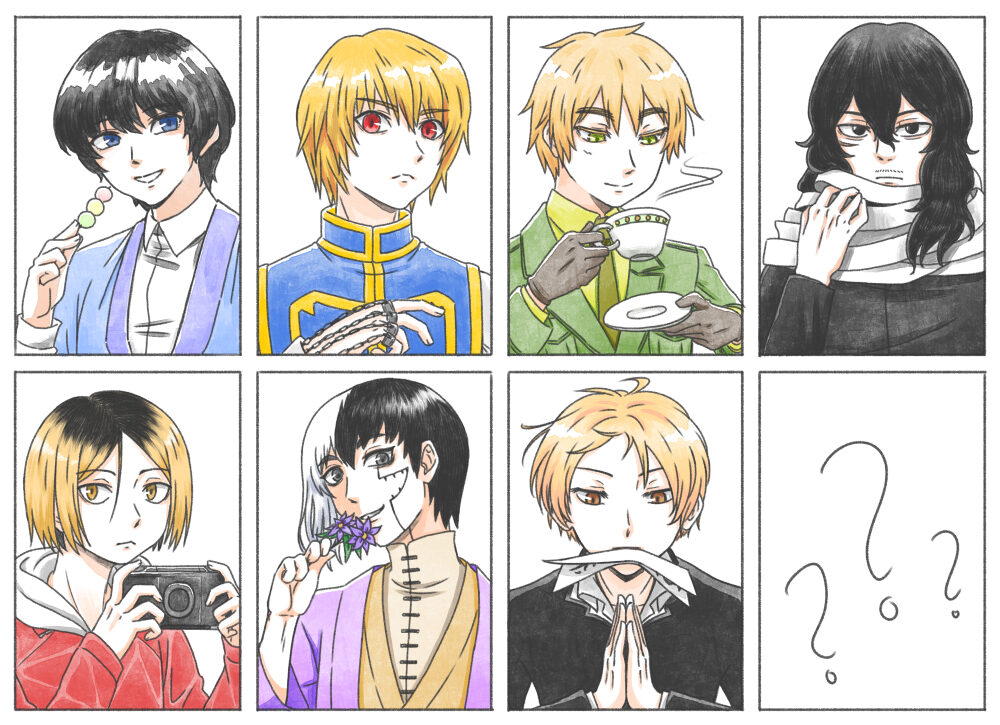
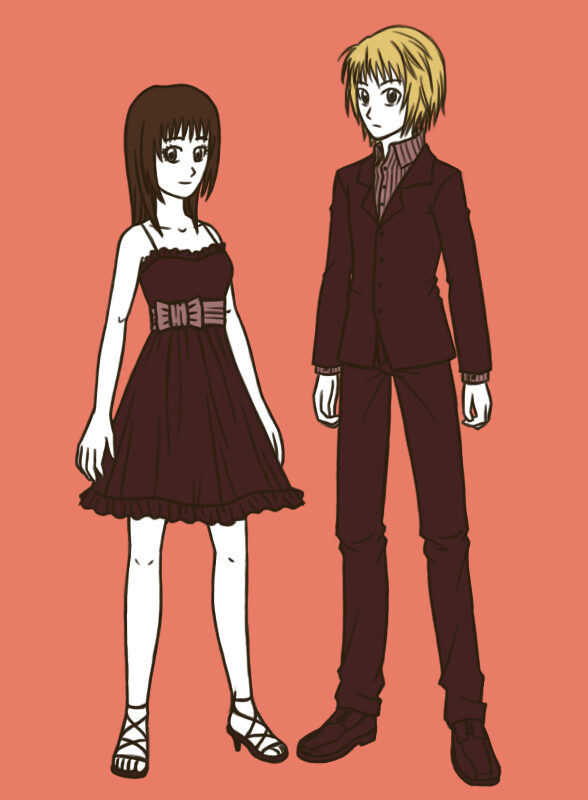
Characters: [1] Seta Sojiro from Rurouni Kenshin, [2] Kurapika from HunterxHunter, [3] England from Axis Powers Hetalia, [4] Aizawa Shota from My Hero Academia, [5] Kozume Kenma from Haikyuu!!, [6] Asagiri Gen from Dr. Stone, [7] Natsume Takashi from Natsume’s Book of Friends, [8] ???
This was an unfinished character practice sketch I did in 2020. All the characters were from anime I watched and got very invested in, but I could not decide who to draw in the last panel so I simply gave up and left it. (。・ω・。)
Tools: Clip Studio Paint, Wacom tablet


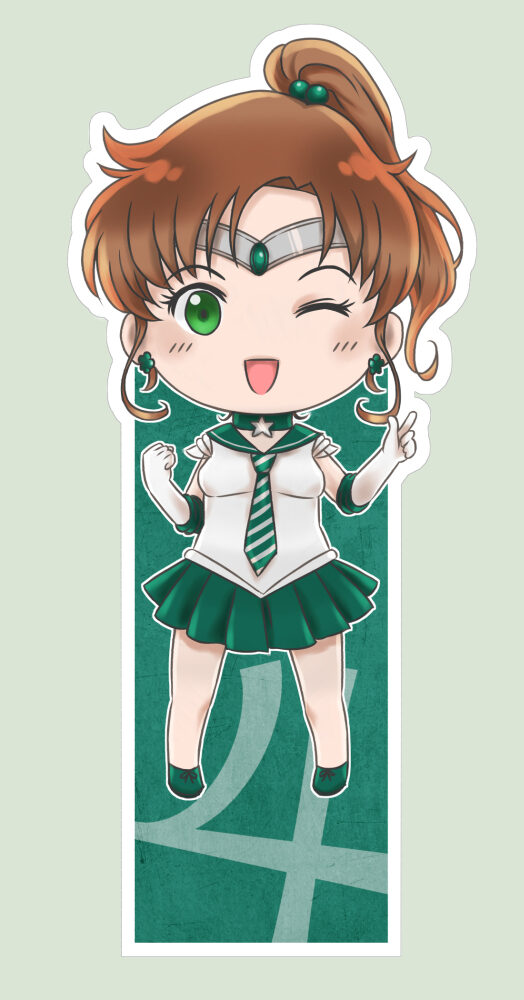
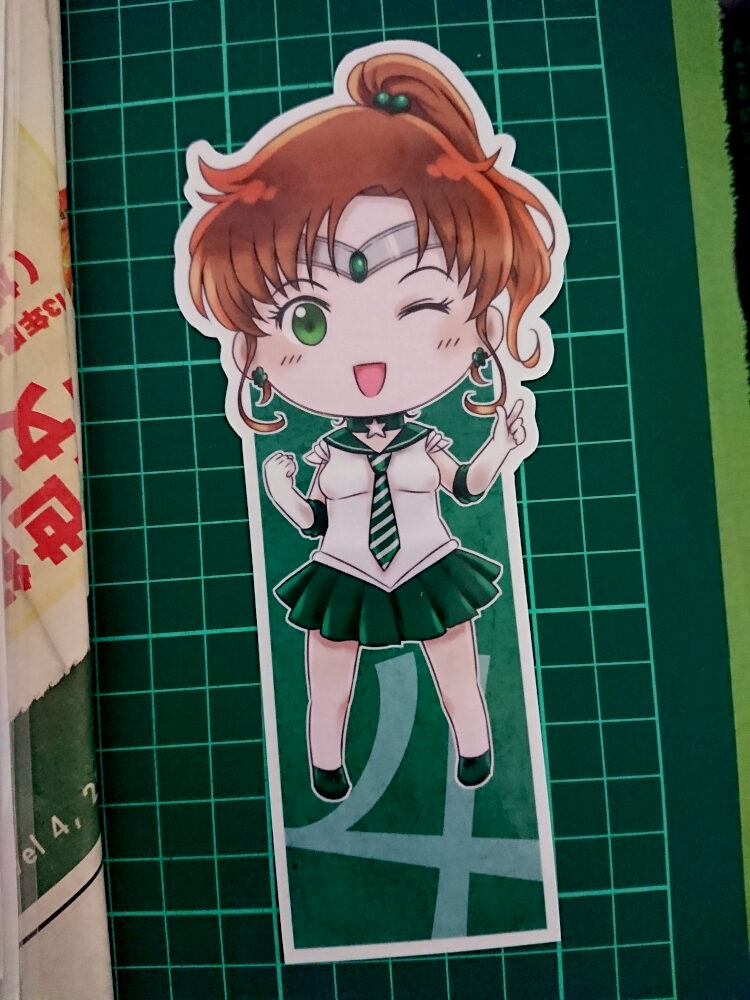
A custom Sailor Jupiter bookmark commission.
For a birthday present, the commissioner wanted a Sailor Jupiter bookmark where she is wearing a Sailor Jupiter x Slytherin uniform outfit. The Sailor Jupiter outfit remains mostly the same, but with the colour scheme being Slytherin house colours with the Slytherin tie.
Tools: Clip Studio Paint, Wacom tablet

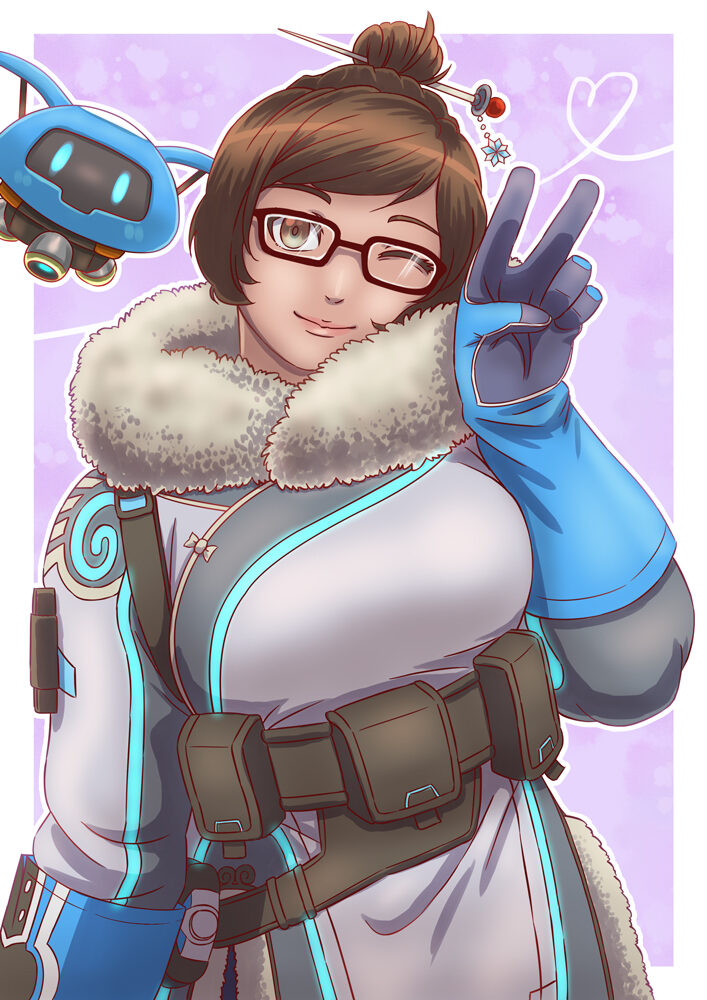
Mei from the game “Overwatch”. This was a gift art for a friend’s birthday present.
Created using Clip Studio Paint and a Wacom tablet. It was posted on DeviantArt and I eventually took it down.

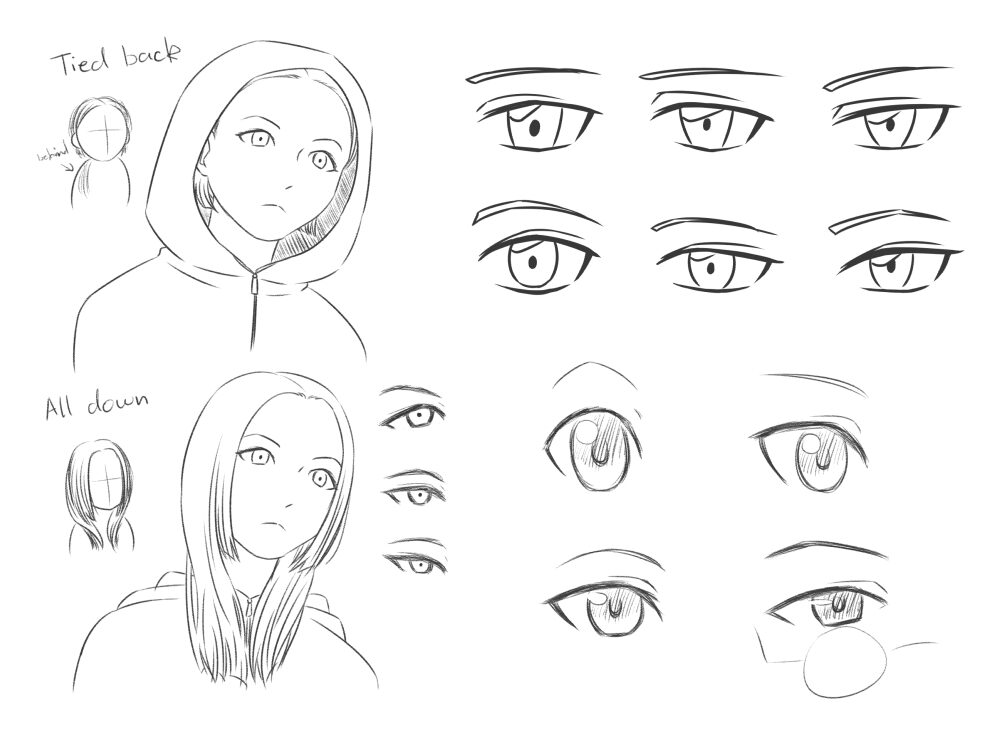
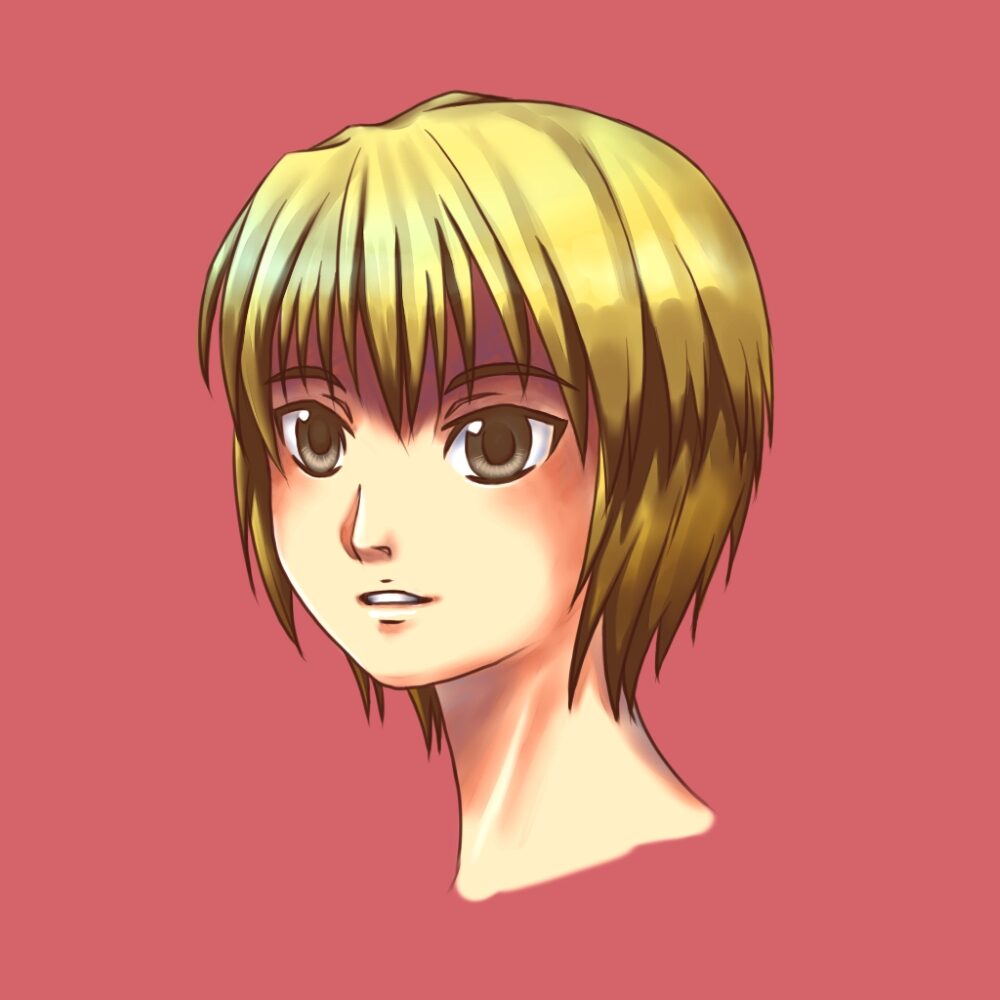
Some hair and eyes practice sketches I made in 2016. I enjoy practicing subtle eye shapes. (^___^)
Tools: Clip Studio Paint, Wacom tablet
2016 was the year I converted over from using PaintTool SAI to using Clip Studio Paint. It became my preferred software for creating digital art and illustrations because I really like the way lines and brush strokes look when I draw with a tablet on Clip Studio Paint, compared to Photoshop. PaintTool SAI was also very good for drawing lines and brush strokes, but it lacked a lot of functionality that Clip Studio Paint and Adobe Photoshop had, so I ultimately decided to stick with Clip Studio Paint over PaintTool SAI or Adobe Photoshop.

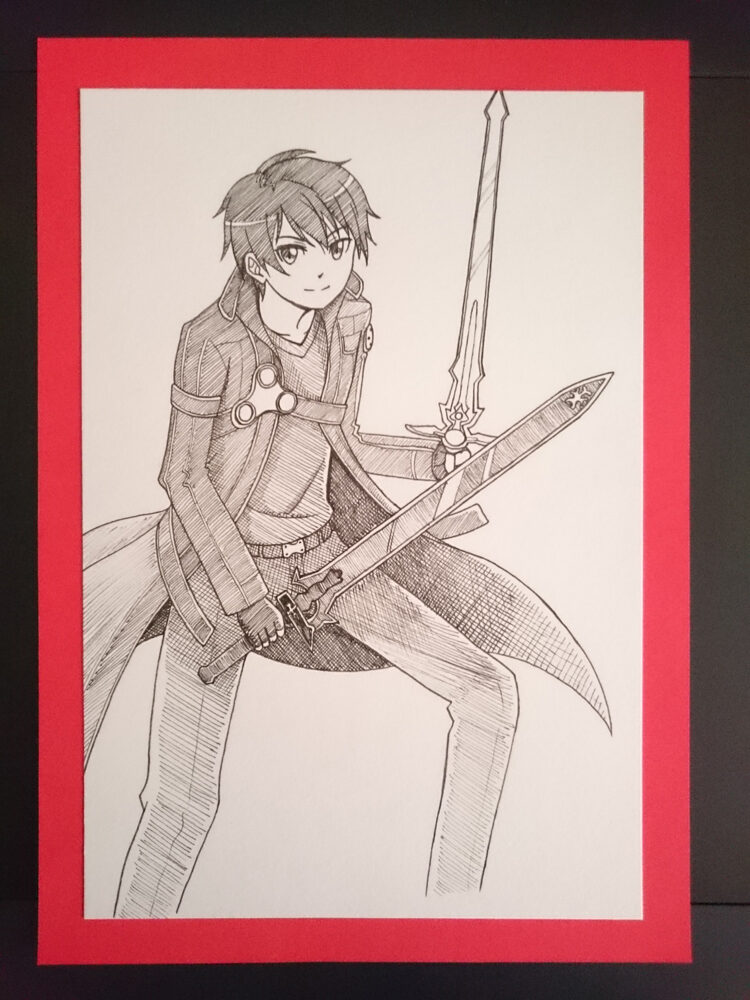
This piece was a gift art for a friend’s birthday. It was done entirely with black fineliner, and of the character Kirito from the anime “Sword Art Online”. It came out okay for a hand drawing on paper, but I see places where I could improve…
Originally posted on DeviantArt and I eventually took it down.

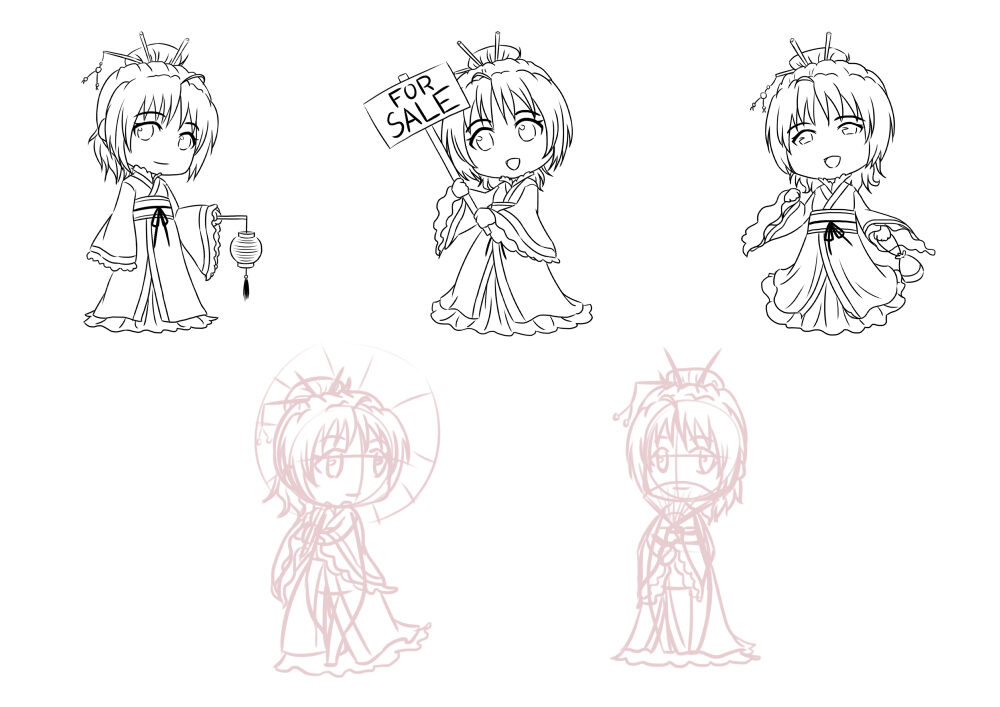
Unfinished WIP chibi sketches of my mascot character Ling from this post. I initially wanted to use these for image buttons for a website, but didn’t end up completing these images nor the website due to other priorities. (つω`。)
Tools: Paint Tool SAI, Wacom tablet

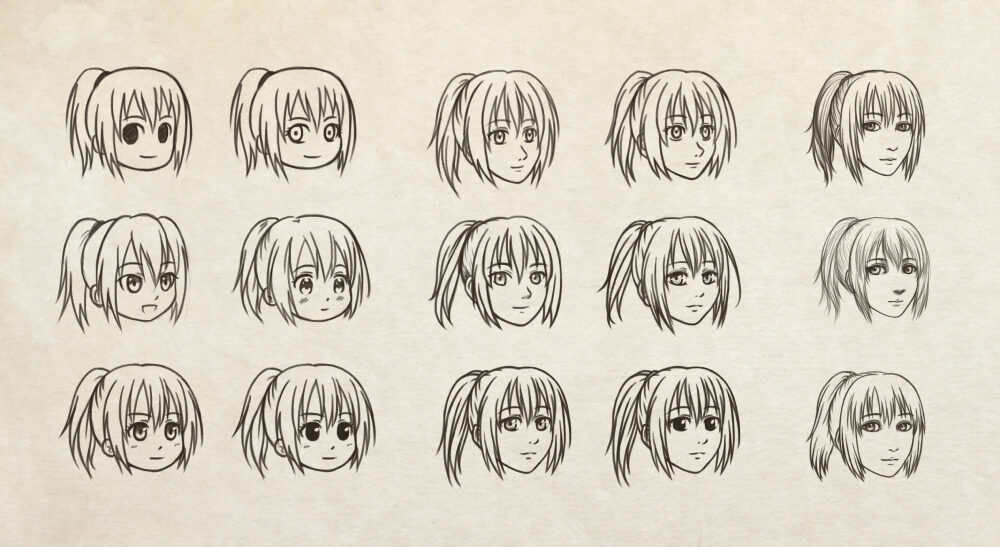
A practise sketch. Me trying out 15 different drawing styles on the head of my Hunter x Hunter OC character Leona. For some reason, the semi-realistic versions scare me a little. (ಠ_ಠ)
Tools: Adobe Photoshop, Wacom tablet

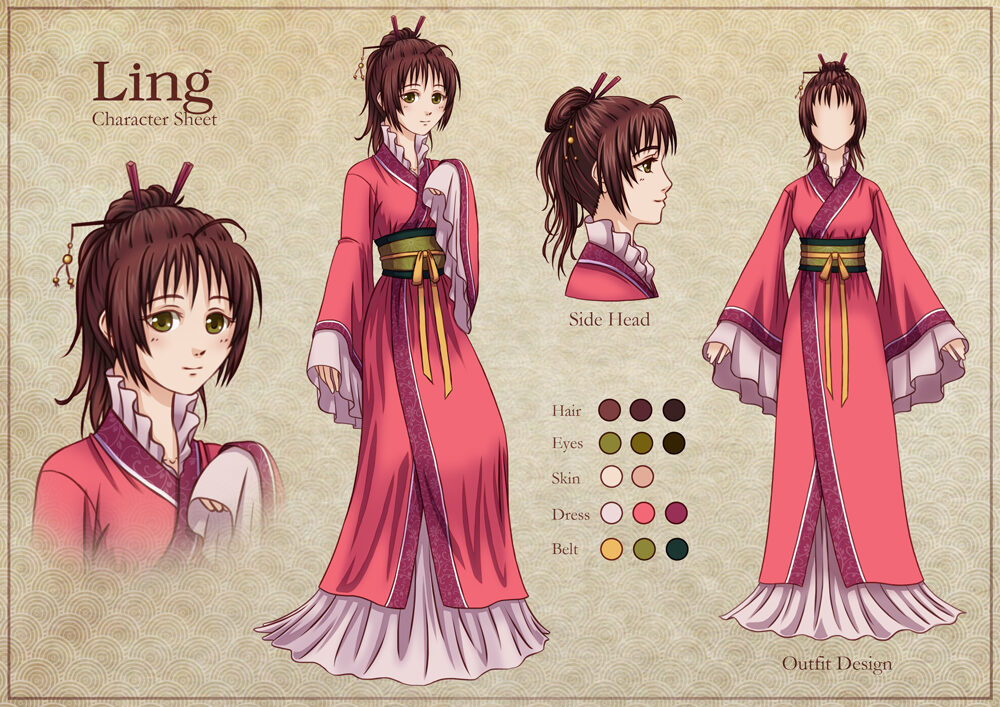
Character sheet for Ling, a mascot character I designed for myself but didn’t really end up using much. I used her for one of my business cards one time.
Originally uploaded to DeviantArt and eventually I took it down.
Tools: Adobe Photoshop, Wacom tablet


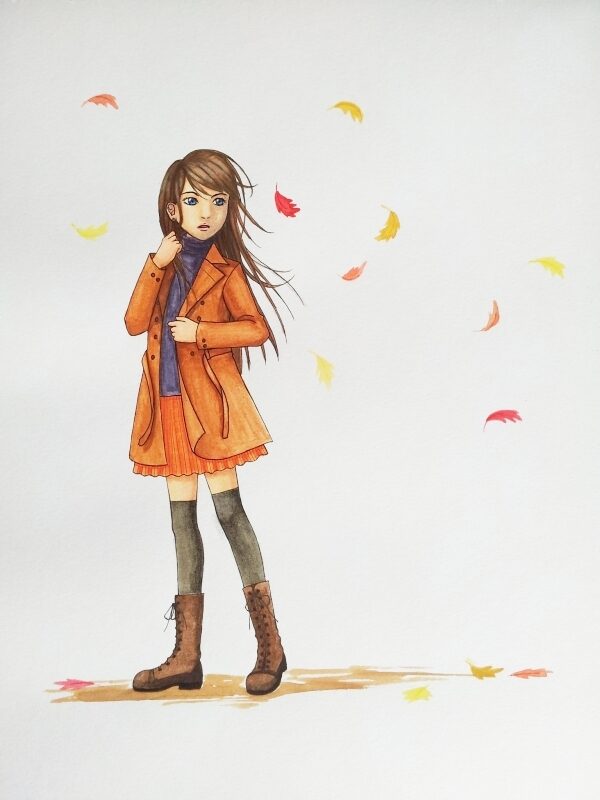
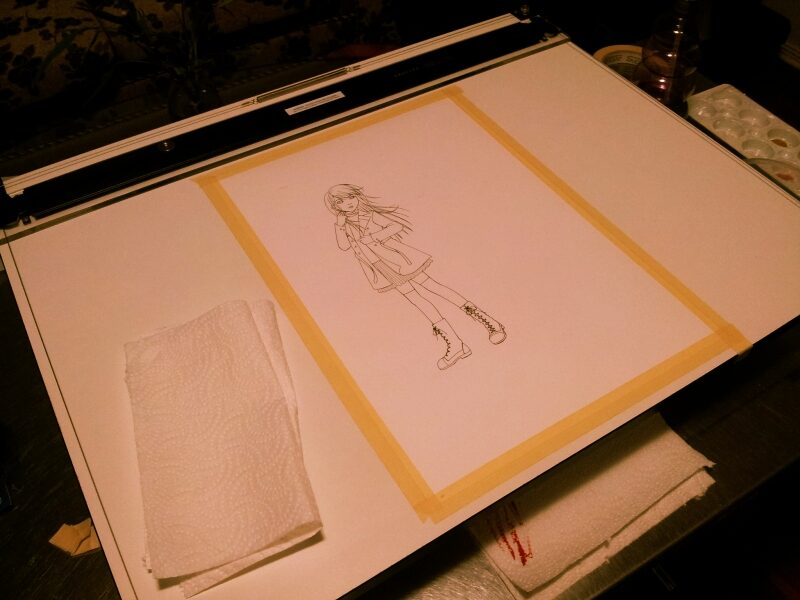
This piece was my attempt at watercolour painting and testing out how confident I felt doing traditional artwork after a long time of doing digital art.
Looking at the end result, I felt I wasn’t bad at it, but I wasn’t comfortable enough to continue doing it regularly. Sticking with digital art and illustration it was. ┐( ̄ヘ ̄)┌
This illustration was originally posted on DeviantArt and eventually I took it down.


The two above are sketches of Kurapica (left) and my OC Leona with Kurapica (right) from HunterxHunter. The left sketch was made in PaintTool SAI as a software tester, the right sketch was made in Photoshop.
Watch Time: 0 min 19 sec ・ Audio: Sound effects only
My very first animation project that was initially drawn on paper (complete with frame alignment marks), scanned and then compiled in Adobe Flash. I was given a soundtrack and had to make an animation to match the soundtrack. This was what I came up with.
You cannot copy content of this page